Resend
Function Description and Usage
The Resend block stores each incoming message in a cache and re-sends it at a defined interval. Each incoming message is immediately forwarded to the output and the timer for re-sending is restarted.
The Cancel input can be used to stop a Resend that has already been started.
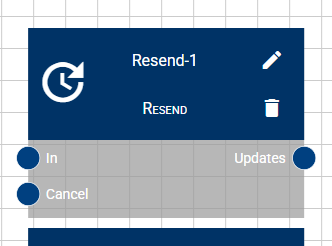
The block can be used to force a data transmission at a defined time interval.
For example, a temperature value is read via subscription and only sent when it changes. However, the target platform may require at least one value per day from the EdgeGateway, otherwise an alarm is triggered, for instance. The Resend block can be placed before the handover to the target platform to re-transmit the last value at least every 24 hours.
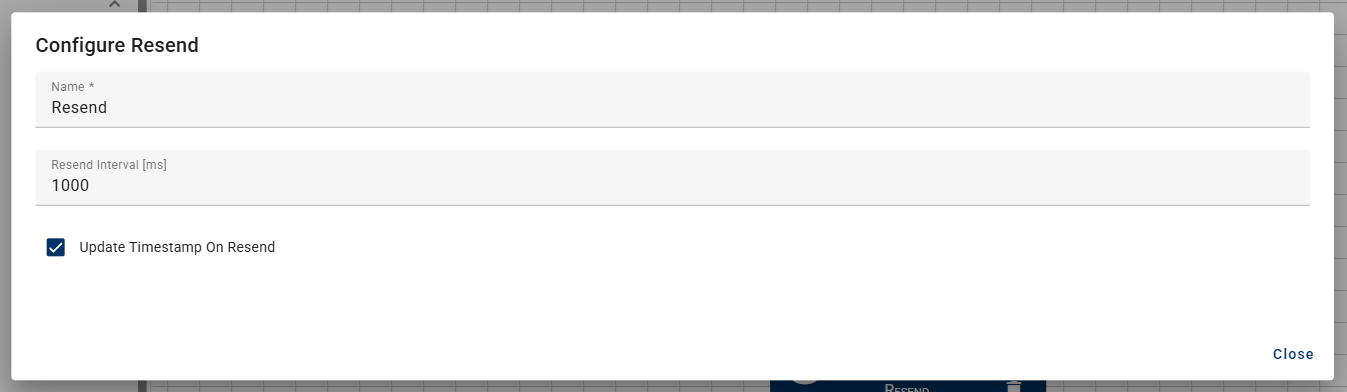
The following table describes the configuration parameters.
| Parameter | Description |
|---|---|
Name | Name of the block instance. |
Into | Name of the block instance of the subsequent block to which output messages should be forwarded. |
ResendInterval | Millisecond interval at which the last received message is cyclically re-sent. |
Upate Timestamp On Resend | default=false, true = On resend, the timestamp is overwritten with the current time. |
Example Configuration