RoboGate ControlCenter
The RoboGate ControlCenter enables the centralized management of any number of RoboGate Edges.
With the ControlCenter, RoboGate Edges — both on RoboGate Devices and RoboGate Containers — can be managed centrally. This way, it is not necessary to access the local administration interface (RoboGate Edge UI) of each individual RoboGate Edge, but only the management interface of the ControlCenter, which provides the following functions:
Centralized management of RoboGate Edges
Management of container instances using the ContainerManager Add-In
Hierarchical grouping of RoboGate Edges
Software update management
Firmware update management
Configuration management
Discovery Service for initial configuration of RoboGate Edges
Rollout planning for updates
Integration with third-party platforms
The ControlCenter is a web browser application. It can be used with current versions of the browsers Google Chrome and Microsoft Edge. Internet Explorer and Mozilla Firefox are not supported.
The ControlCenter can run in the cloud (e.g. via Azure PaaS Services) or can be provided locally in container environments (e.g. Docker). Data is persisted in a PostgreSQL database.
Modules
The ControlCenter has a modular structure and includes the following modules:
 Devices
 Container
 Software
 Administration
 Identity & Access
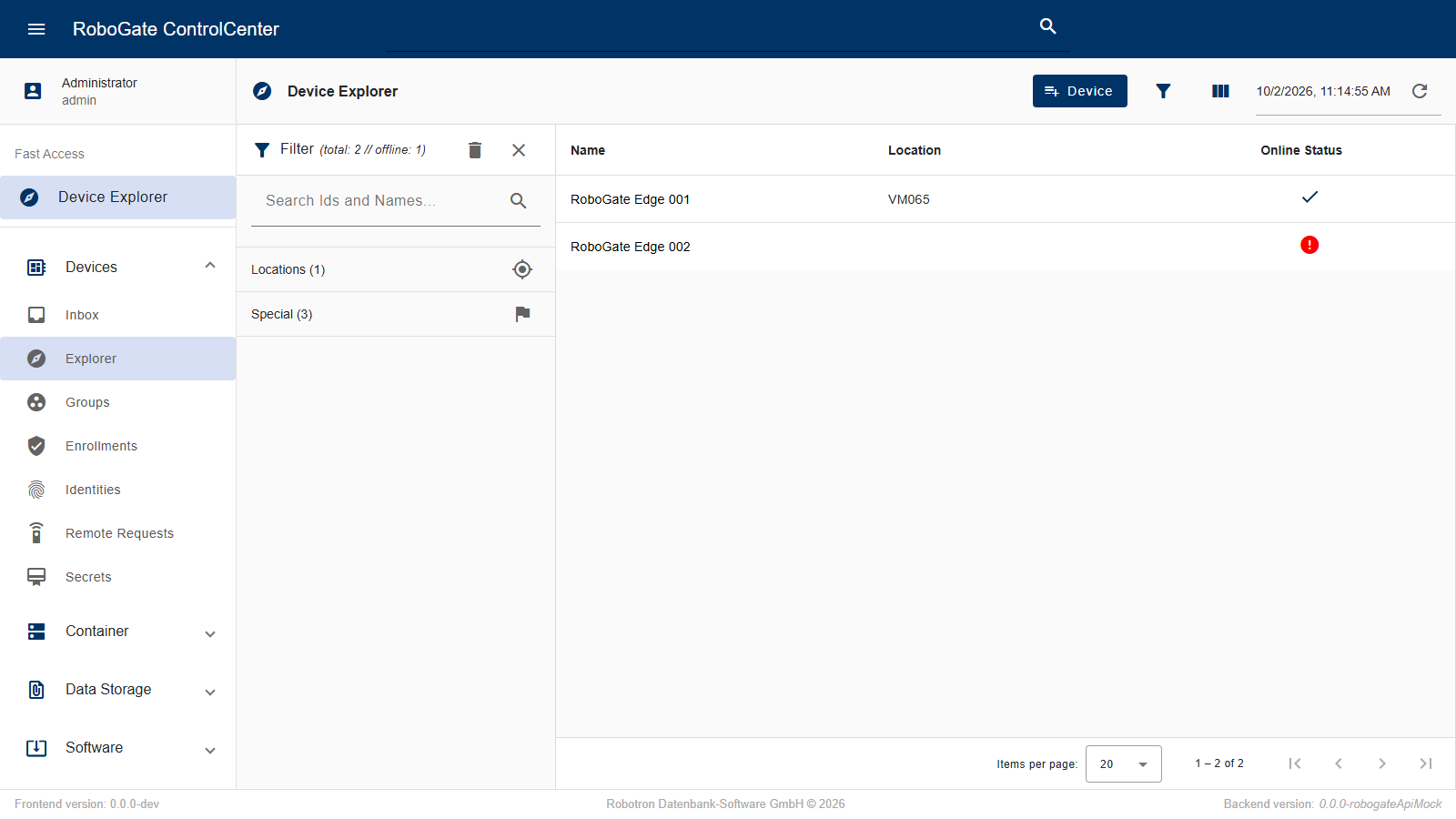
Navigation between modules is done via the left menu bar in the ControlCenter user interface (Figure 1). In some menus, such as Group, it is also possible to navigate to the Explorer via the selected device.